Create a Widget
Set up a new chat widget for embedding on your website.
With widgets, you can embed one or more experts into your own website or web app. Visitors to your site can then ask questions right there, without needing to open Respeak.
Create a Widget
Start creating
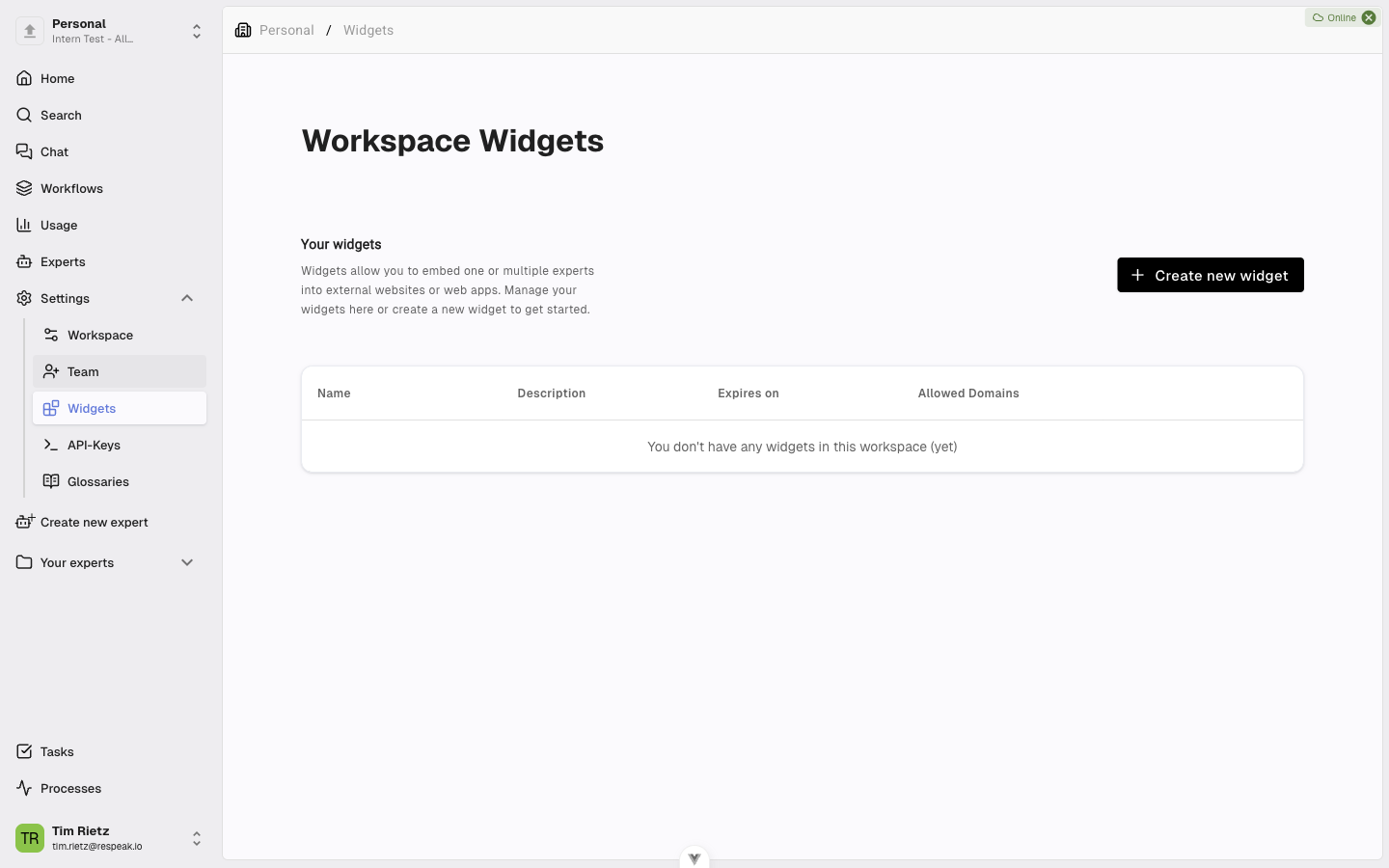
Open your Workspace from the sidebar, switch to the Widgets section, and click Create new widget. A dialog opens.
Choose name and experts
Enter a name for your widget (this is visible to widget users) and optionally a description that is only visible to admins. Under Experts, select one or more experts that should be available through the widget, choose the language for the widget interface, and pick a mode — Search for a quick answer to a single question or Chat for a connected conversation with follow-up questions (see What Is the Chat?).
Save
Click Create widget to save your widget.
Manage Widgets
In the widget overview of your workspace, you can see all widgets you have created along with their names and allowed domains. From there you can open a widget and edit its settings (Update widget) or delete a widget when it is no longer needed.
Changes to a widget take effect immediately - everywhere the widget is embedded.