Question Blocks
The available block types and their advanced options.
A dialog is a sequence of blocks — the individual questions and messages your bot delivers. Open the Question blocks tab to add and edit them. When you create a New question, you choose a type from three categories: Text, Buttons, and AI blocks.
The block types
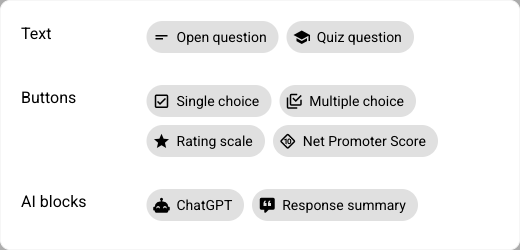
Category | Block | Use it for |
|---|---|---|
Text | Open question | A free-text answer in the participant's own words. |
Text | Quiz question | A question with a defined solution the participant has to find. |
Buttons | Single choice | Picking exactly one option from a list. |
Buttons | Multiple choice | Picking any number of options from a list. |
Buttons | Rating scale | A graded scale, e.g. from "strongly agree" to "strongly disagree". |
Buttons | Net Promoter Score | The classic 0–10 "how likely are you to recommend us" question. |
AI blocks | ChatGPT | A free-flowing, AI-driven conversation guided by your prompt. |
AI blocks | Response summary | A message generated dynamically from the participant's earlier answers. |
Open question blocks rely on the bot understanding free text, so they pair naturally with the Train module.
The shared building pieces
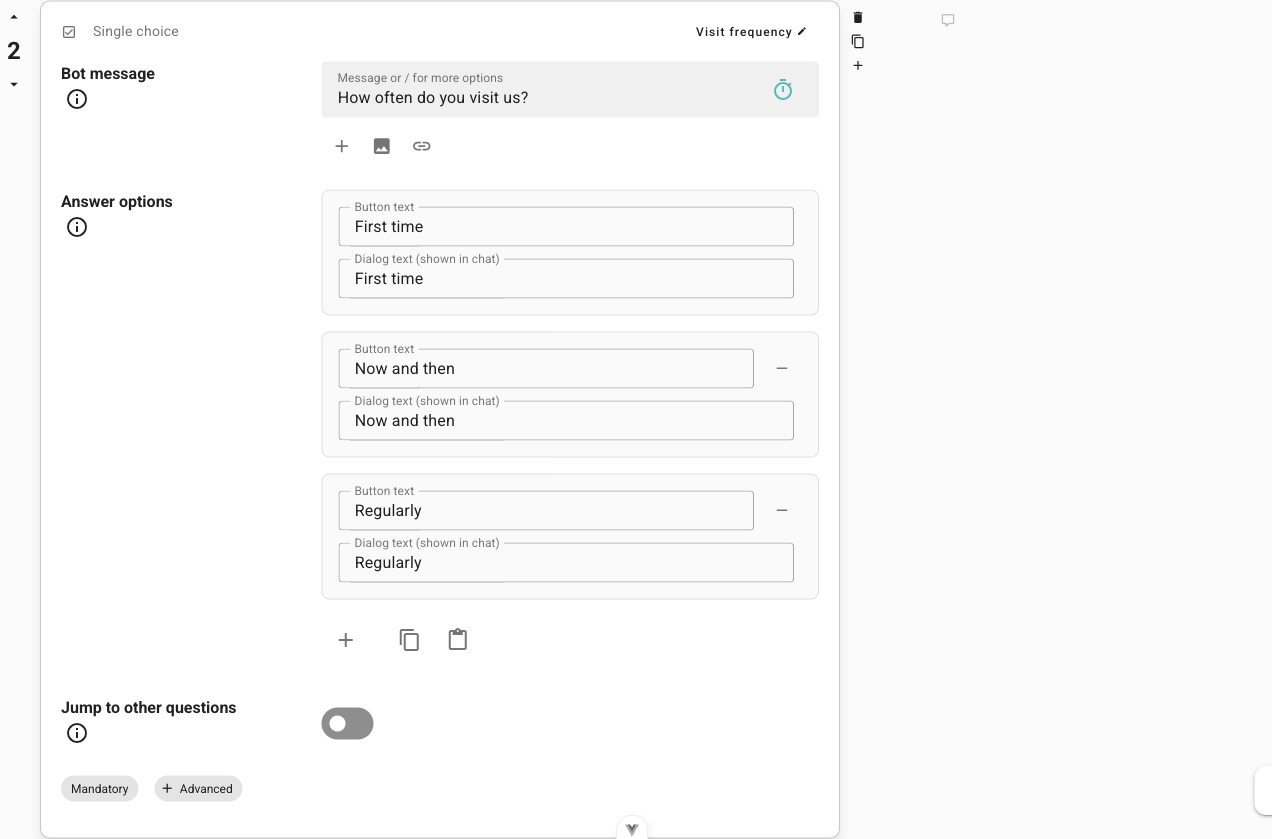
Most blocks are assembled from the same few pieces:
Bot message — the message(s) the bot sends for this block. Add several by clicking the plus; they play one after another.
Answer options — for choice-based blocks, the options a participant can pick from. Add more with the plus, and click an option to edit it.
Jump to other questions — branch the conversation per answer. Choose a question the bot jumps to when a participant picks a particular option. Leave it unset and the bot simply continues.
Advanced options
Each block has an Advanced section with options that fine-tune its behaviour.
Behaviour and flow options
Option | What it does |
|---|---|
Mandatory | Whether participants must answer, or whether a "Skip" button appears. (Net Promoter Score questions are always mandatory.) |
Acknowledgement | Whether the bot automatically thanks the participant for their input. |
Automatic follow-up | The bot follows up automatically when an answer is only short. Choose how often: no follow-ups, at most one, at least one, or at least two. |
Multi-step conversation | The bot sends several messages for this question depending on the prompt and the participant's input. |
Website | Displays a webpage as an iframe at this question. |
Save answer to variable | Save the answer into a named variable, then reuse it in a later bot message by writing |
Is end point of the dialog | Participants who reach this point are counted as completed. |
Hints | Hints the bot plays one after another when a participant asks for help (e.g. by writing "Help"). |
Reaction to wrong answer | Reactions the bot plays one after another when a participant answers incorrectly. |
Some options only appear on certain block types — for example, Reaction to wrong answer belongs to quiz-style questions, and the AI prompt belongs to ChatGPT blocks.
The Backlog
Not every block has to sit in the main flow. The Backlog holds blocks that are not part of the main flow and can only be reached through direct jumps. It is a handy place to park follow-up questions, alternative branches, or blocks you are still working on.